Your team, roles and who sees which jobs
Invite people, choose their role, change one person's permissions, and decide who sees every job.
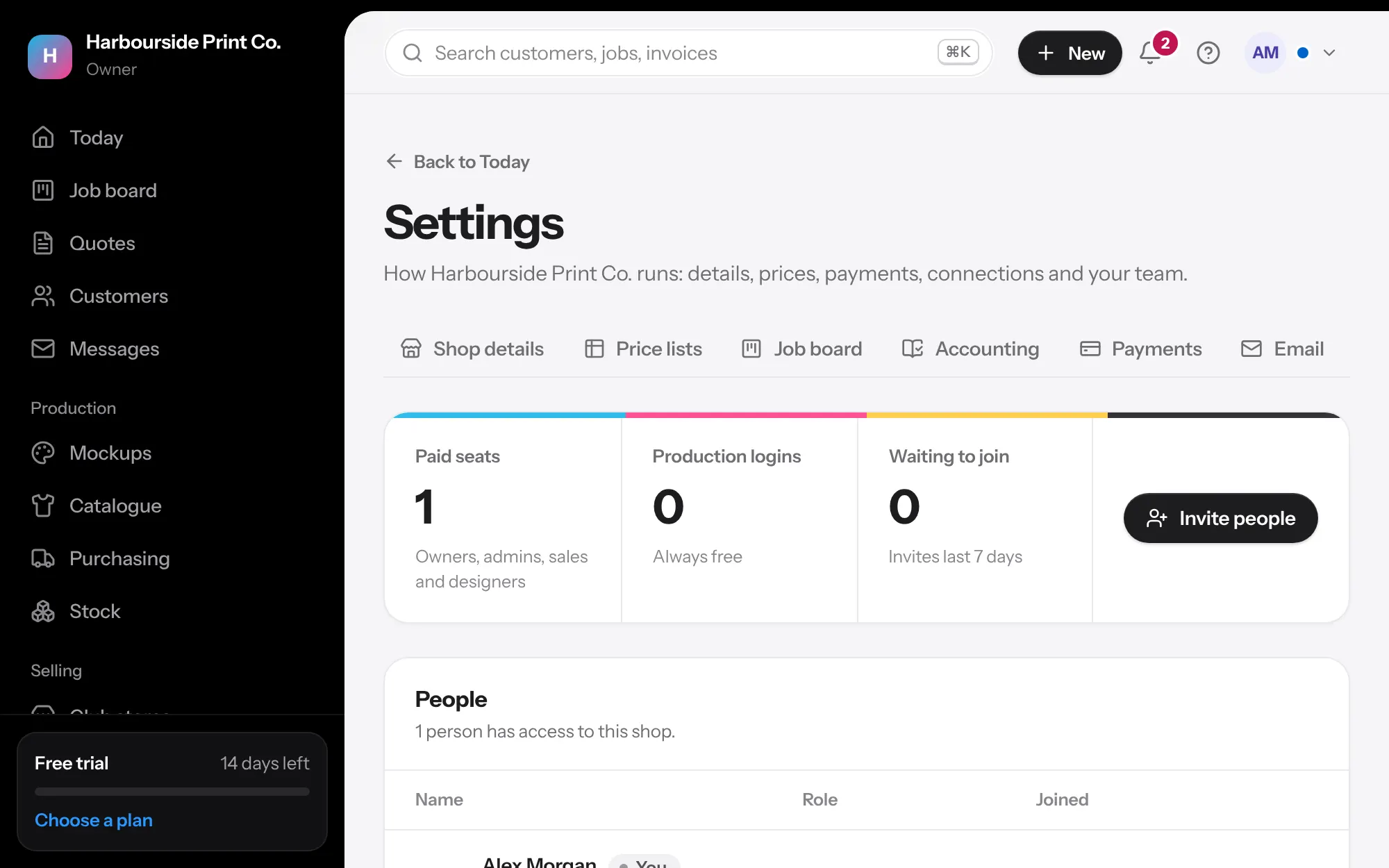
- Invite people In Settings, Team, press Invite people, type their email and choose a role. We email them a link to join, and you can copy the link to send another way. It works once, for the email it was made for.
- Roles Owner and admin run the shop. Sales sees selling and money. Designers see artwork and proofs. Production sees the board, job sheets and calendar. Designers and production never see prices or costs. What each role can do is listed at the bottom of the page.
- Free production logins Production logins are free: up to 2 on Starter, and as many as you need on Shop and Pro. They don't count as office users, and can't be given office work. Change their role instead.
- One person's permissions Press the sliders next to someone to add or take away single permissions on top of their role, like seeing reports. Changes show as Added or Taken away, and apply the next time they open a page. Billing, closing the shop and managing the team go by role only.
- Who sees which jobs Under each person, See all jobs decides whether they see every job or only the jobs they're on, on the board, lists, search, Today and the calendar. It's off for designers to start, so a freelancer only sees their own work. Owners always see everything.
- A customer's own designer Set Their designer on a customer. Their new quotes and jobs go to that designer by themselves, including ones from the portal, the order page and reorders, so a designer with See all jobs off still sees that customer's work.
- Can send proofs Turn on Can send proofs to customers for a trusted designer, and their proofs skip the rep's check.