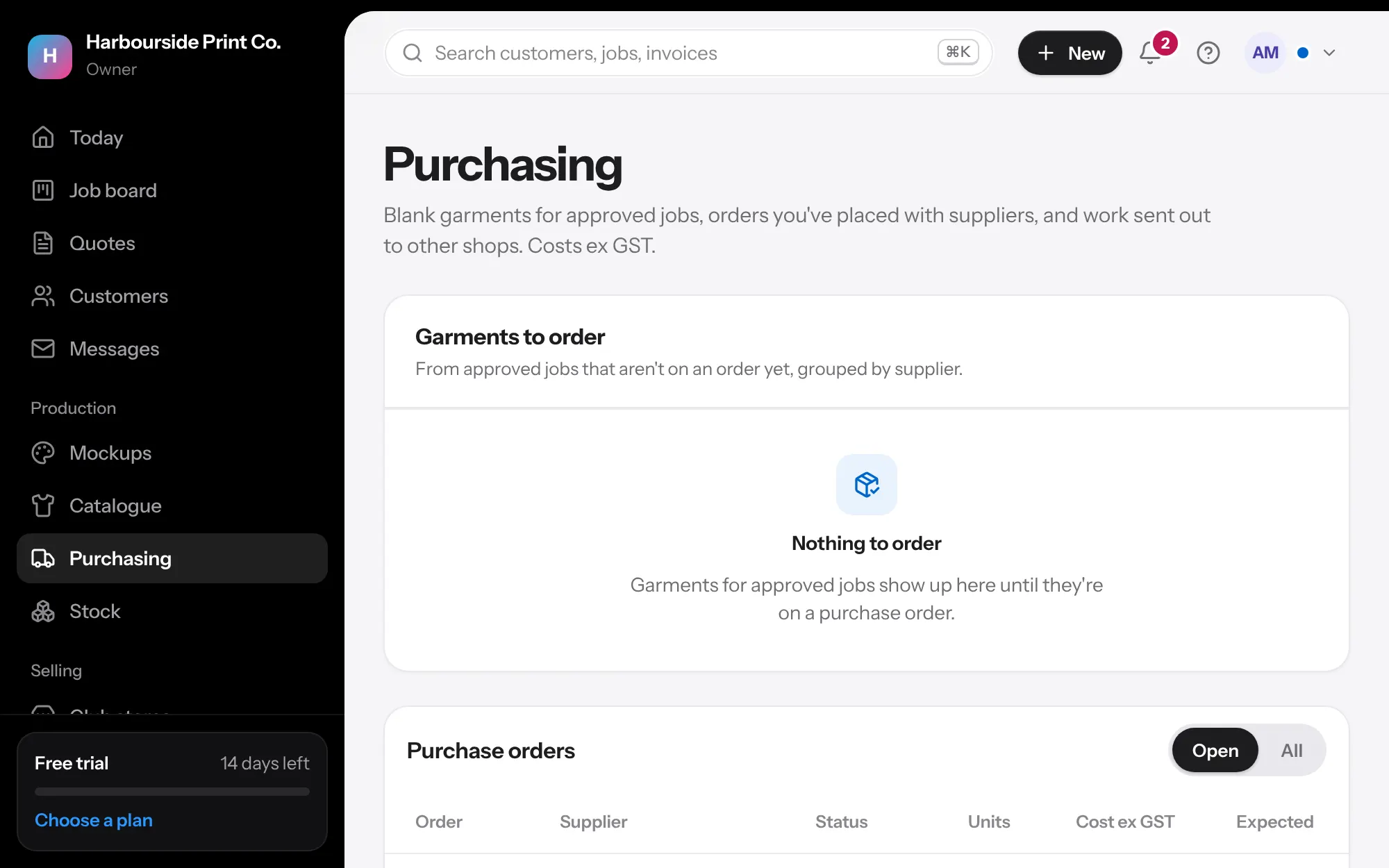
- Order In Purchasing, tick the garments to order and make the purchase orders. Email the supplier from the order: the email carries the PDF's details and the supplier's link.
- Hear back The supplier opens their link to accept, say it's sent, or give dates for anything back-ordered. You see it on the order and on Today. You can also type an expected date against any line yourself, and the job's card shows it.
- Use stock If a garment is on the shelf, press Use from stock and only the rest is left to order.
- Receive Print the unpacking sheet from the order and count against it. Then record what arrived on the order. Less is fine; the rest stays on order. Extras can go on the shelf.
- Stocktake In Stock, press the pencil on a garment, type what's there now and save. Set a warning level for each size.