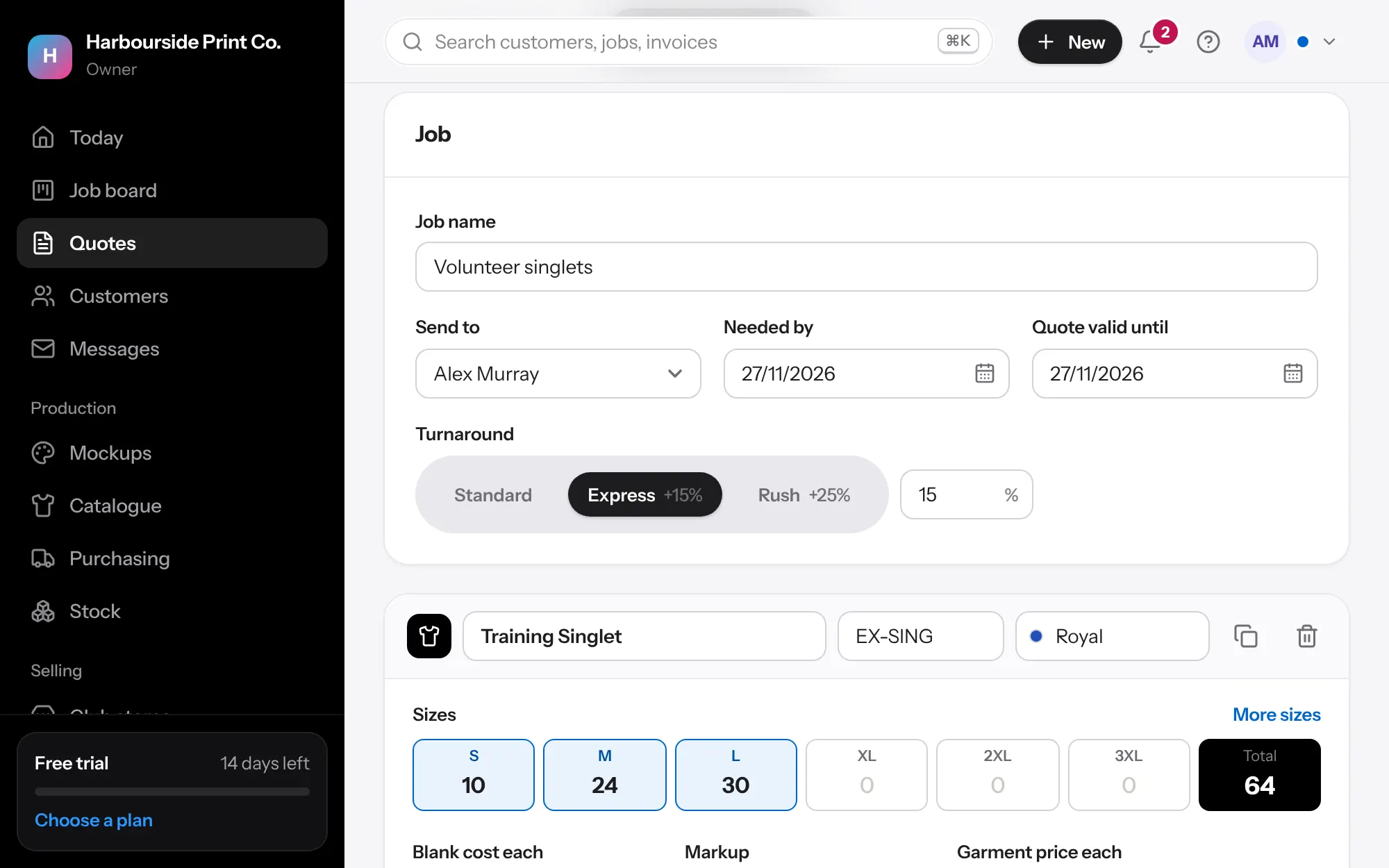
- Add garments Type a style code or name to pick from your catalogue, then the sizes. Add each print or embroidery.
- Extras Set a price level for the customer, choose Standard, Express or Rush turnaround, add an extra for bigger sizes, and add names and numbers to a line. Open How this is priced under a line to see every part of the price.
- Dark garments In Settings, Price lists, fill in the dark garment row for screen print. Quotes add it to dark colours like Black or Navy, and you can untick it on any print.
- Check for A$0 A garment with no blank cost shows No blank cost yet instead of a margin, with a warning, and Email customer warns you again before sending. Add the cost, or leave it if the customer supplies the garments.
- Send it Press Share with customer for a link, or Email customer. The email shows the Quote valid until date, and closes with a short Sent note once it's gone. Download the PDF if they want one.
- Won or lost Mark it approved, or declined with the reason. Reports show why quotes are lost.