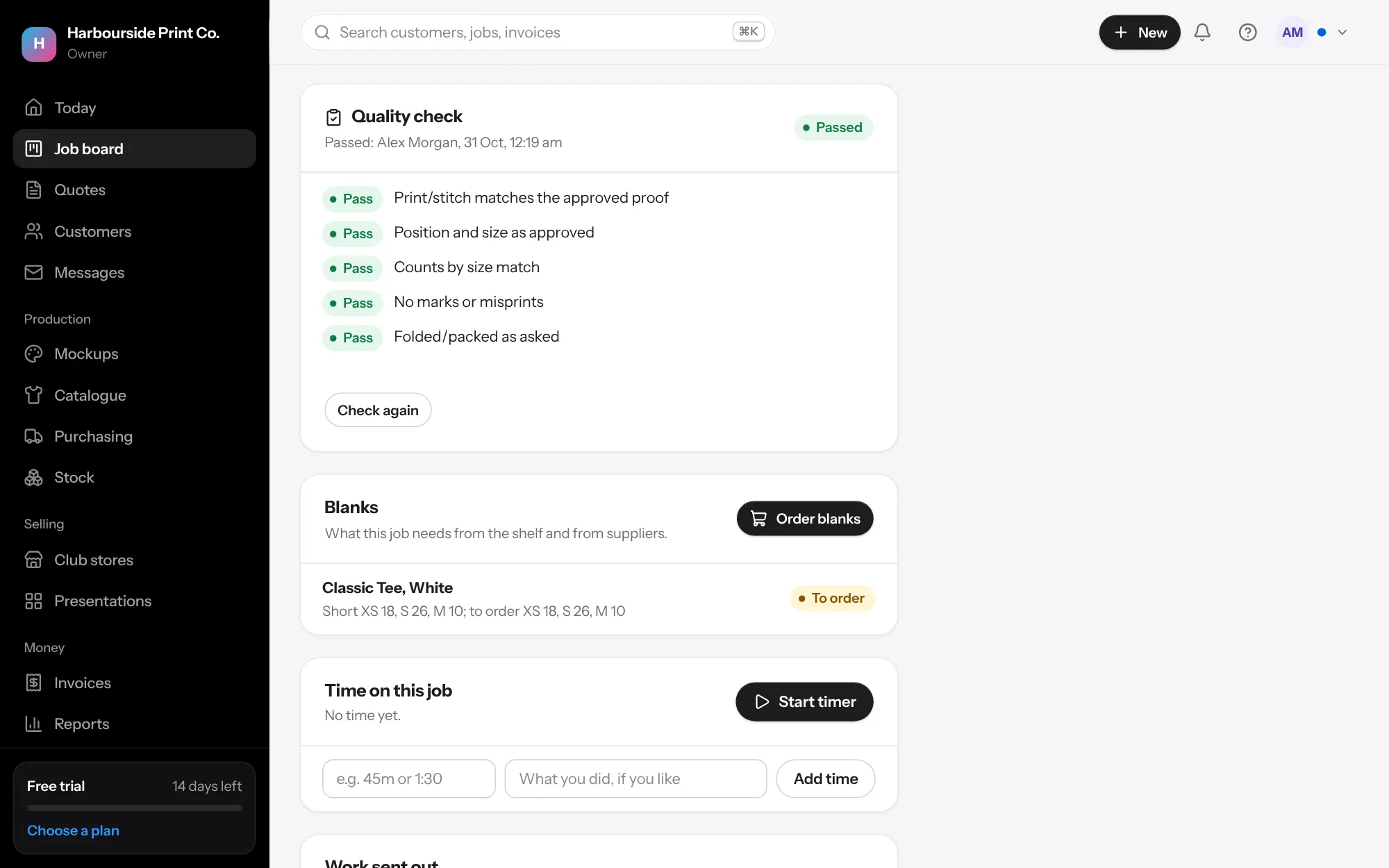
- Your checklists In Settings, Quality checks, change the list every job gets, and add lists for one decoration method, like Embroidery. A job gets the list for every job plus the lists for its methods.
- Tick it On the job, or on a phone after scanning the job sheet, mark each item Pass or Fail, add notes and photos, and press Save check. Who checked and when is kept.
- When something fails Say how many need doing again. That opens rework on the job. Press Rework done once it's fixed, then check the job again. Record what the rework cost from the job's costs.
- Before it goes Marking a job ready to go, or sending it, without a passed check asks why. The reason is kept on the job with your name.
- Tell the customer Tick Show Checked by our team in Settings, Quality checks, and customers see it on their order page and portal once the check has passed. Never the details.