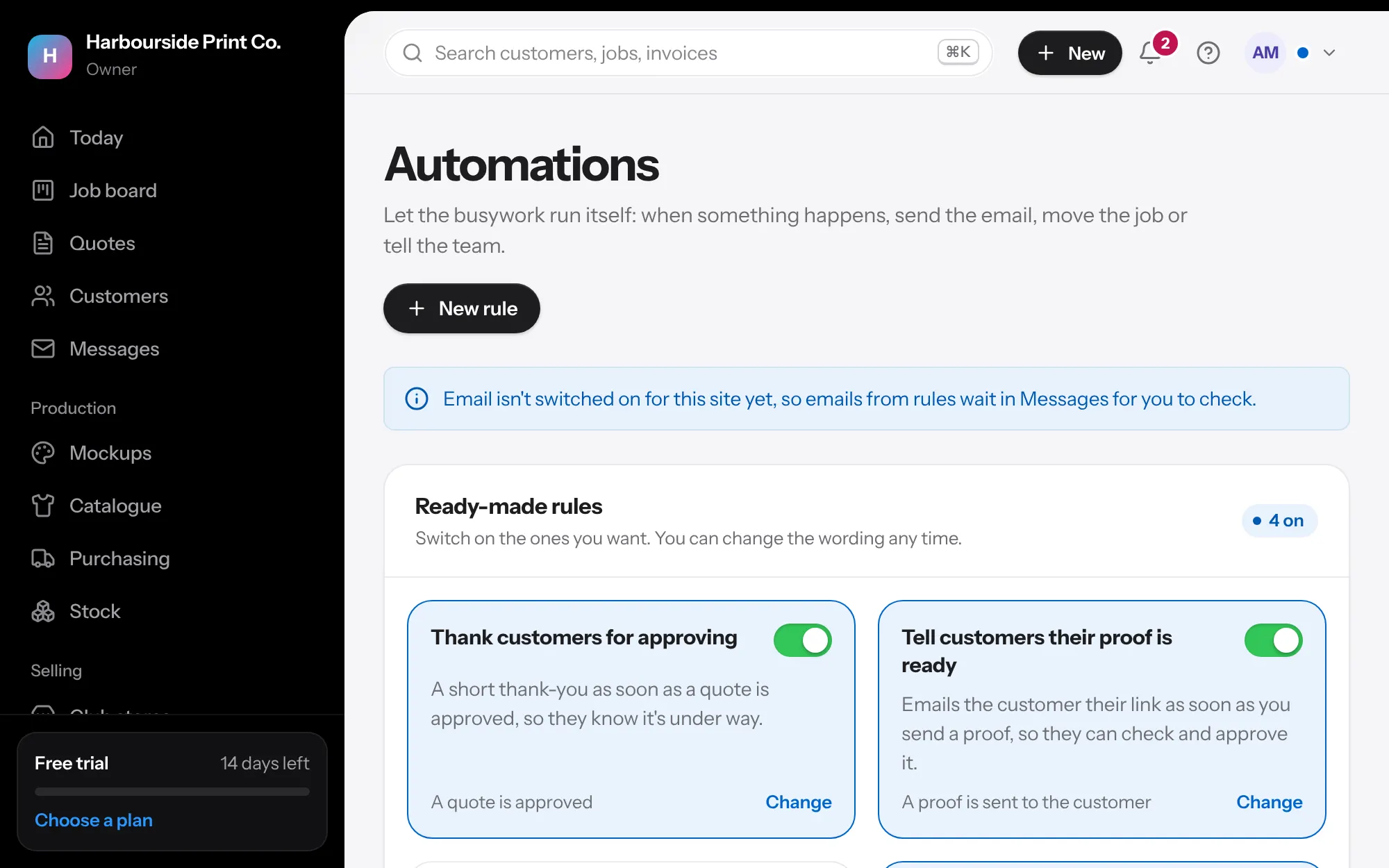
- Customer emails are on from the start New shops start with emails that keep customers up to date: their proof is ready, their order is ready, their invoice, and a thank-you when they approve (Starter has room for three, so it starts with the first three). You'll see them in set-up, where you can switch any off, and Today shows each one that goes out.
- Ready-made rules In Automations, switch on any of the other ready-made rules, or change the words.
- Your own Press New rule, choose what starts it and up to three things to do.