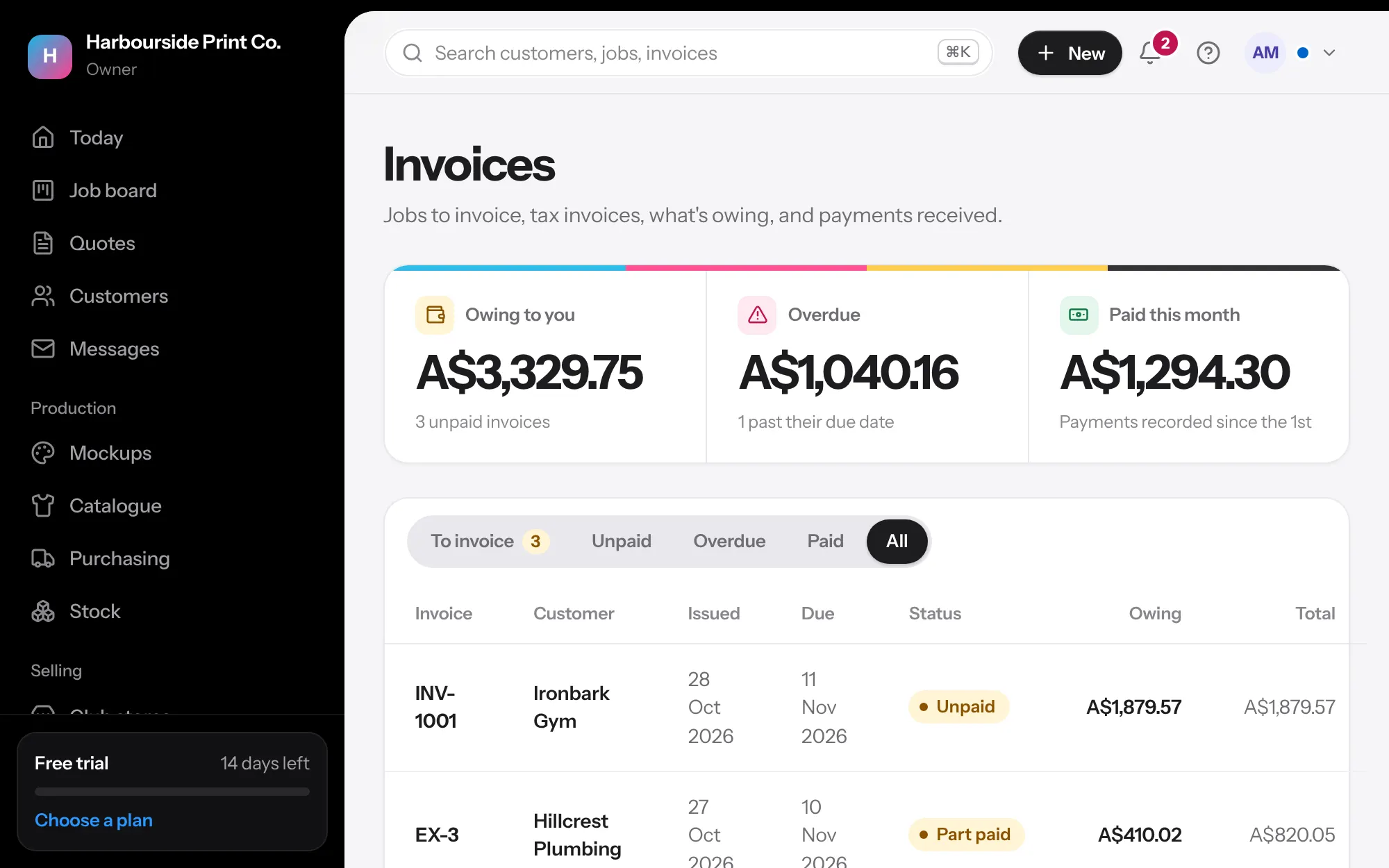
- Make the invoice On any approved job, press Invoice. It copies every line, so it never changes afterwards. Invoices are made by themselves when a job reaches Ready to go, unless you change that in Settings, Payments (on approval, at another stage, or only by hand).
- Deposits and progress invoices Press Deposit invoice before work starts, or Progress invoice for part of a job, as a percentage or an amount inc GST. The final invoice takes them off, so the job adds up exactly.
- Never miss one Every job shows Not invoiced, Invoiced unpaid, Part paid or Paid on the board, the list and the job. Invoices, To invoice lists approved jobs with no invoice yet, and so does Today. Moving a job to Done asks first if it isn't invoiced or paid.
- Card payments In Billing, set up card payments with Stripe. Customers can then pay from their link.
- Record a payment For bank transfers, open the invoice and record the payment. Part payments are fine.
- Accounting In Settings, Accounting, connect Xero or QuickBooks, and choose the sales and bank accounts.