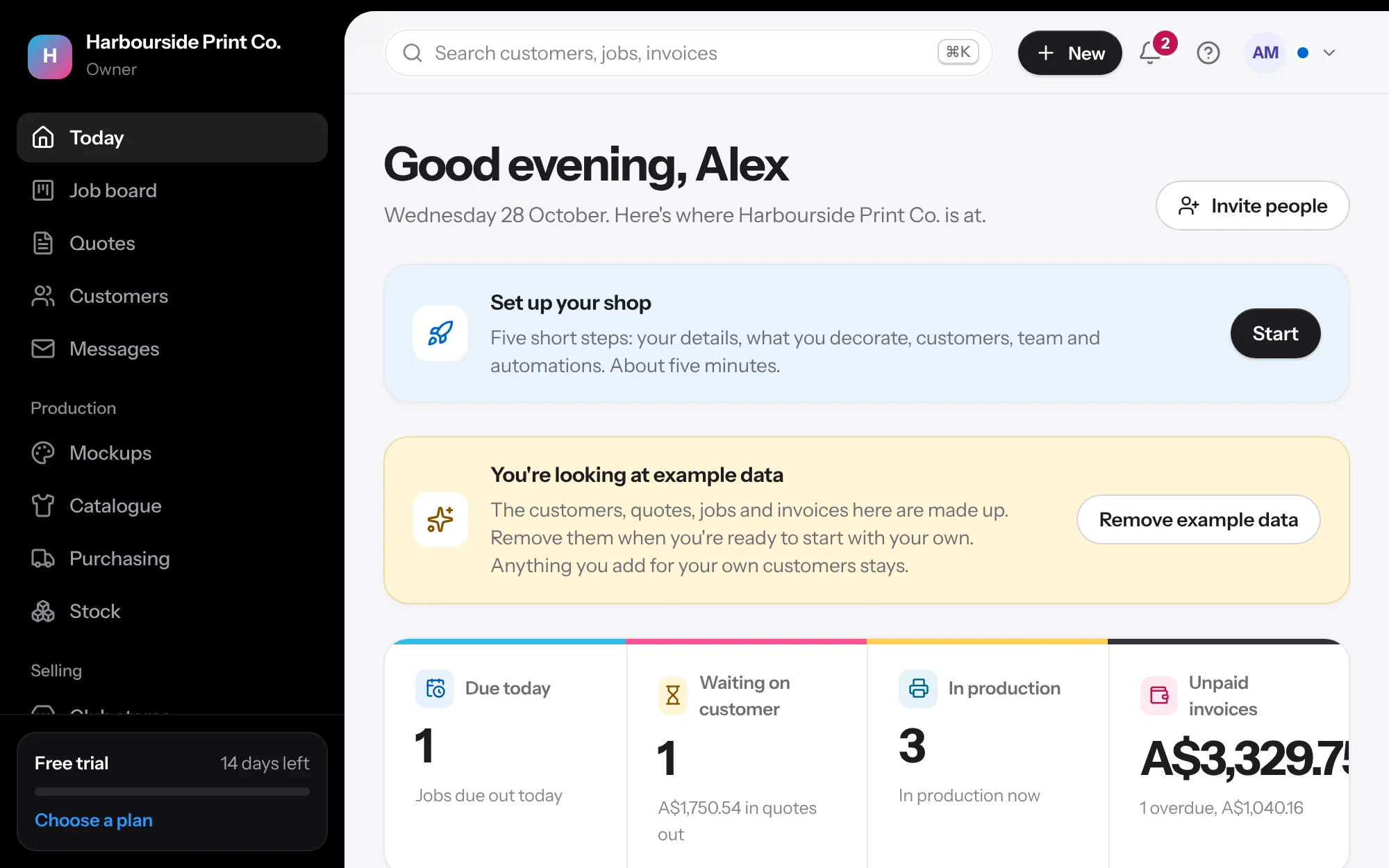
- Shop details In Settings, Shop details, add your legal name, ABN, address and bank details. They print on quotes and tax invoices.
- Price lists Open Price lists and edit the starter lists for the methods you offer. Quotes use them straight away.
- Customers Bring your customers across from Xero, MYOB, QuickBooks or a spreadsheet in Customers, Import. You see what will be added before anything changes.
- Past jobs Moving from other shop software? Export your orders as a CSV and load them in Jobs, Bring past jobs across, so each customer's history is here.
- Your team Invite your team from Team, and give each person a role. We email them a link to join. Production logins are free.
- Send a quote Open a customer and press New quote. Add the garment, sizes and print, then share the link.
- Ask a question Stuck? Open the Help menu (the question mark at the top), type your question and press the arrow. You get a short answer drawn only from these help guides and lessons, with links to them and Show me where there's a walkthrough. Each answer counts as one AI use. When AI help is off or the month's uses are gone, you get the matching guides instead.