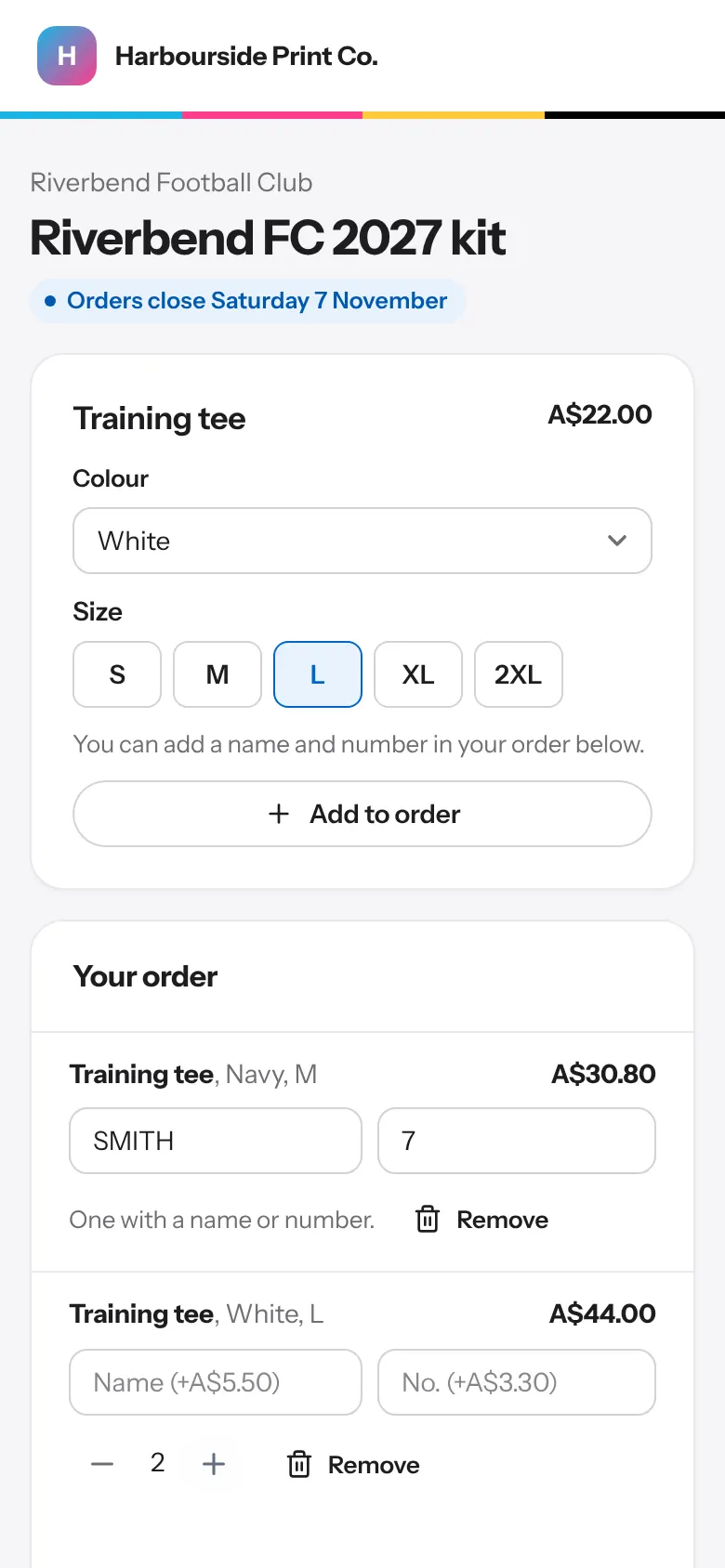
- Make the store In Club stores, press New store, choose the club or school, the last day to order and how members pay.
- Add garments Add each garment with its colours, sizes and price, and whether members can add a name or number.
- Open it Press Open the store and send members the link.
- Raise money for the club In Store details, tick Raise money for the club and set the amount added to each garment, ex GST, and a target if the club has one. A garment can have its own amount, or none. Members see the price with it included, how much goes to the club, and a progress bar towards the target.
- Fundraising and GST The fundraising amount is part of the selling price, so GST goes on it like the rest. Tick No GST on the fundraising part only if your accountant says it's GST-free. Discount codes never come off the fundraising part.
- Raised so far and the statement The store shows what's been raised: from paid orders when members pay by card, or every order not cancelled when they pay later. Press Statement for the club for a PDF to print or send, with each garment, the amount and the total. Press Mark paid to the club once you've paid it.
- Discount codes In Club stores, Discount codes, make a code for a percentage or an amount off (inc GST), for any store, one store or your order page. Add dates, a minimum order and how many times it can be used. Members type it at checkout and the price is worked out again on our side. A used code is kept: archive it to stop it working.
- Close it When orders are in, press Close and make the job. Print the packing list to hand out each member's order. The job is at the store's prices; a note on it says what was raised and what codes took off.