Your supplier catalogue
Load supplier price lists in Excel or CSV, match the columns once, and keep photos.
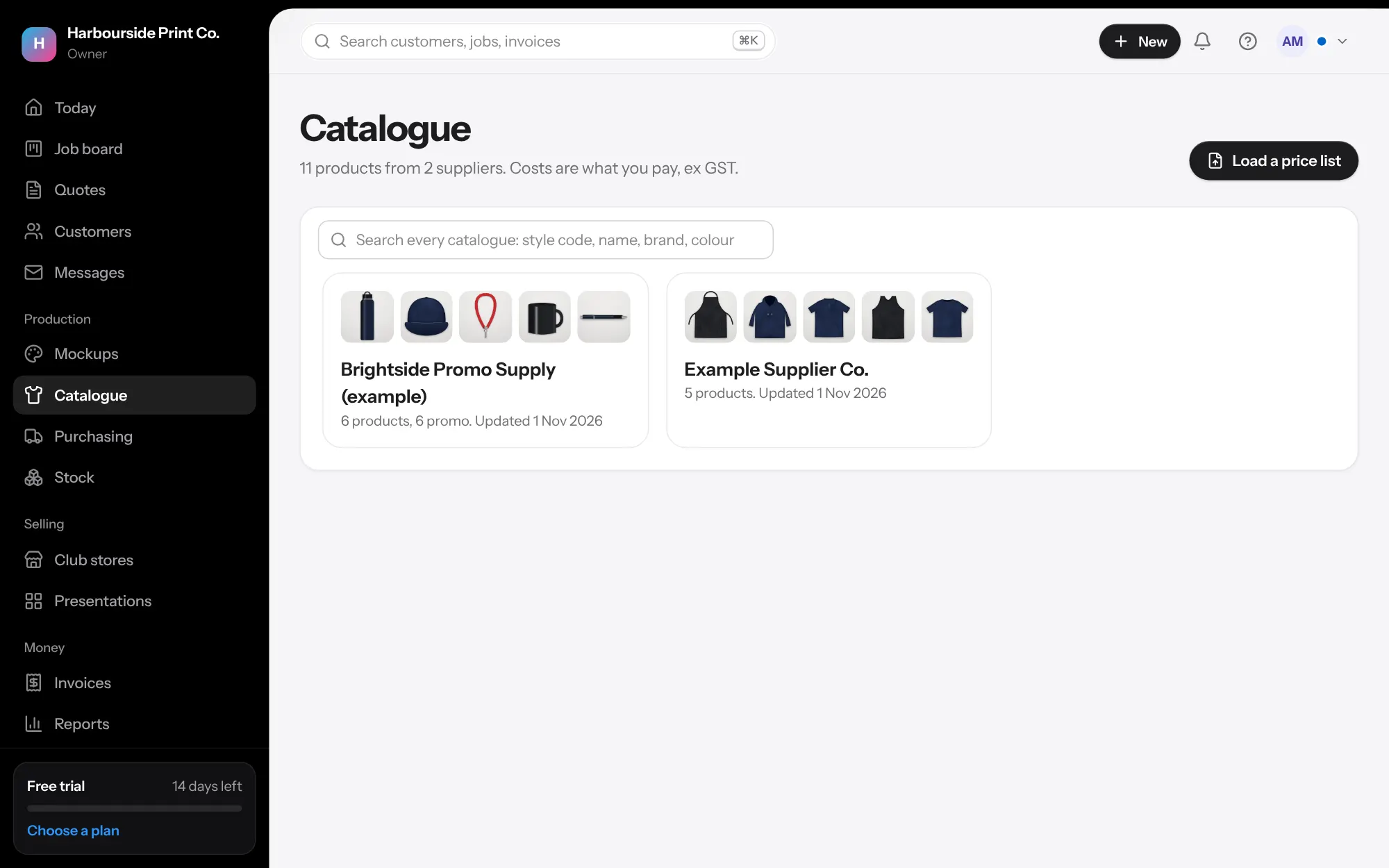
- Load the file as the supplier sent it In Catalogue, press Load a price list. Choose the supplier, say whether it's garments or promo products, and choose the file: Excel (.xlsx or .xls) or CSV, up to 50 MB. Title rows above the headings are fine.
- Match the columns You see every column with a few of its values and our guess of what it holds. Change any that are wrong, or set it to Don't use. A sheet with a column for each size uses Cost for one size, with the size beside it. With several prices, choose which one is your cost, and use RRP for the retail one.
- Promo products Set quantity breaks as pairs (a quantity column and its cost), or use Cost at a quantity with the quantity beside it. Branding method, area, most colours, set-up and cost each, smallest order and lead time are kept with the product.
- Next time, one click Leave Remember these columns ticked. The next file from that supplier opens with the same matching, even if its columns have moved, and you just press Load the price list.
- Costs by colour When colours cost different amounts, each colour keeps its own cost by size. Quotes, AI drafts, the order page, presentations and purchase orders use the cost of the colour chosen, and club stores the cost of the colours they offer. On a quote line your team sees where the cost came from, like Cost A$10.75, the supplier, Black, S to XL. Loading a newer list never changes quotes you've already made.
- Photos Photo links in the file are saved into your own storage for each colour, front and back, while you watch the progress. It carries on even if you leave the page. Any that couldn't be fetched are listed with the reason and a Try again button. A product without a photo shows No photo: open it and upload one yourself.
- Find and change many at once The catalogue opens on a card for each supplier. Search finds products in every catalogue by code, name, brand or colour. Tick products, or tick all, to set a markup, archive them, fetch photos again, add them to a presentation, or set them as garments or promo products.