Price lists and markup
Prices for each decoration method, set-up and dark garments, markup tables and promo markup.
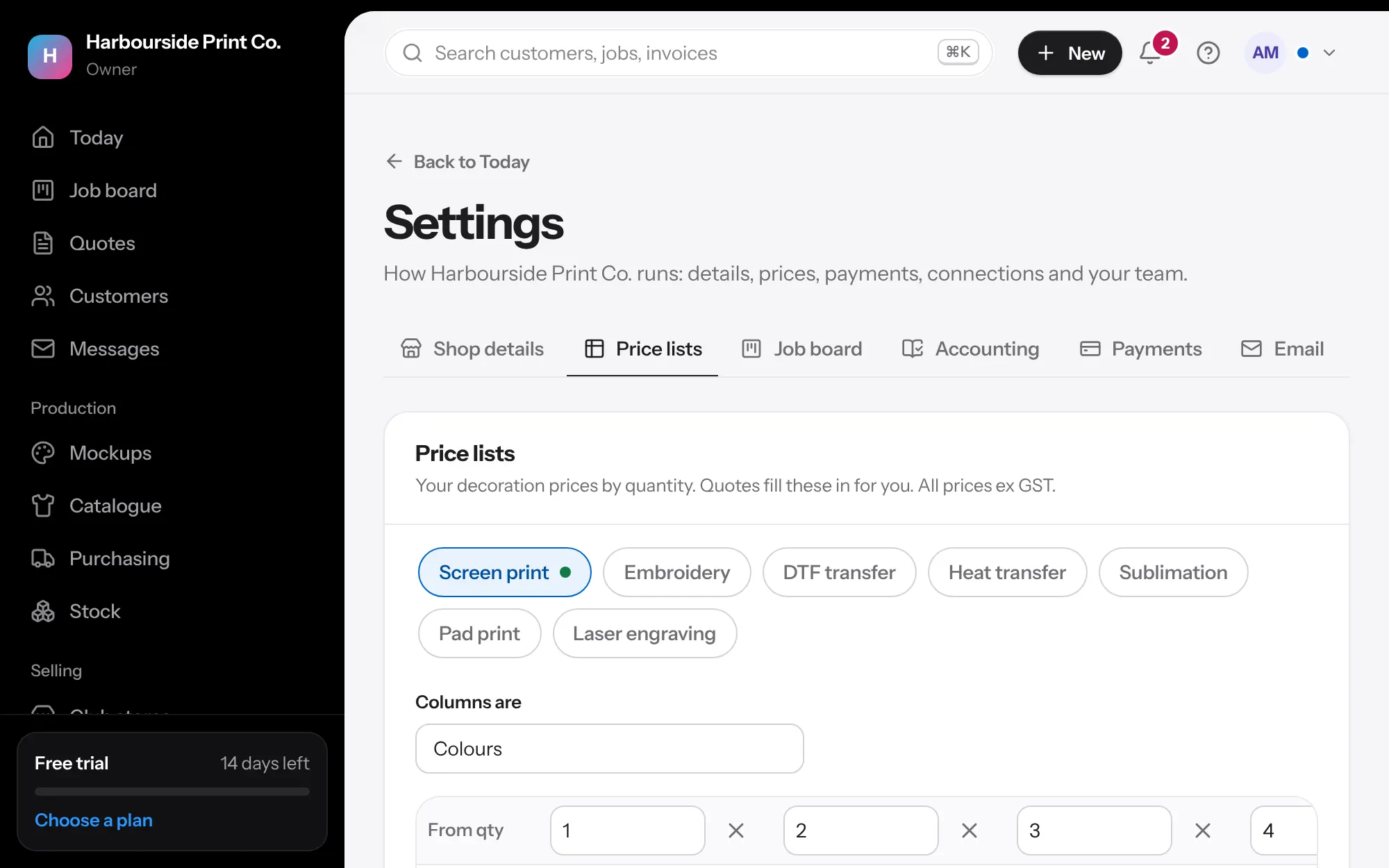
- A list for each method In Settings, Price lists, choose the method along the top: screen print, embroidery, DTF transfer, heat transfer, sublimation, pad print, laser engraving, UV print, debossing or digital print. A green dot shows the lists in use.
- Starter prices Most methods start with starter prices so you can quote on day one. Change them to yours and save to use them on quotes. All prices are ex GST.
- Rows and columns Each row is a quantity, like 20+, 50+ and 100+, and each column is the colours, stitches or print size. Add or take away rows and columns to match how you charge.
- Set-up and dark garments Add a set-up charge for each column, charged once per quote line. For screen print on garments, fill in Dark garment, extra each for the white underbase. Quotes add it to dark colours, and you can untick it on any print.
- Markup tables Under the price lists, add a markup table: cost bands down the side and quantities across the top. Add tables for a supplier, brand or category that needs its own. Products picked from your catalogue follow the table until you type your own markup.
- Promotional products Promo products and the supplier's branding take your Markup on promotional products from Shop details. A markup table for that supplier, brand or category is used instead when you have one. Branding you do yourself, like pad print or laser engraving, is priced from that method's list.
- Quote templates At the bottom, Quote templates lists the quotes you start new ones from. Make one with Save as a template on any quote.