Job board stages, fields and capacity
Name your stages, add fields of your own, and set how much you can do in a day.
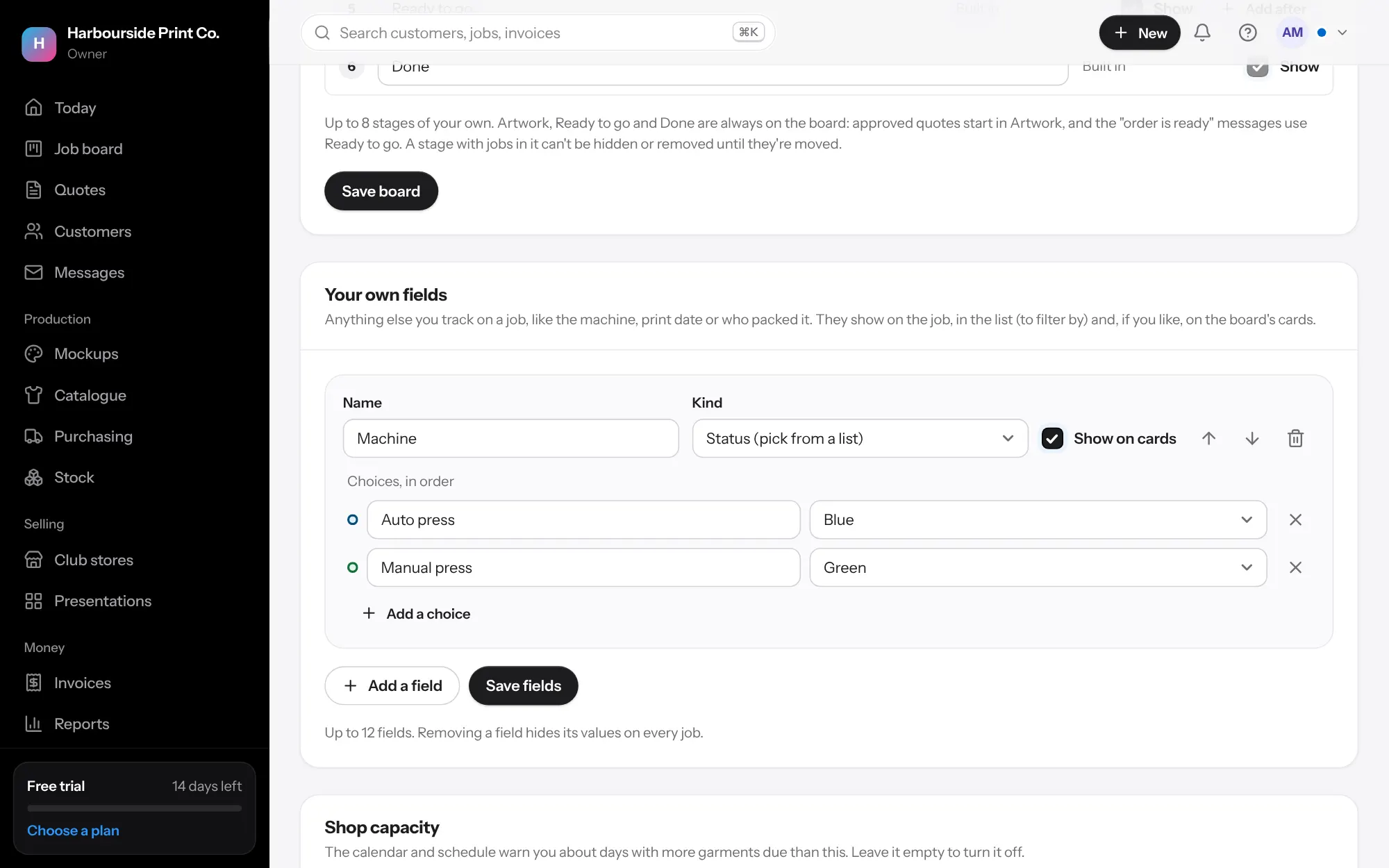
- Stages In Settings, Job board, rename each stage the way your shop talks. Untick Show to hide one you don't use, press Add after to add your own, like Curing or Quality check, and use the arrows to change the order. Built-in stages that every board needs can't be hidden. Press Save board.
- Your own fields Under Your own fields, press Add a field and choose the kind: Status (pick from a list), Date, Text or Person in the team. For a status, add the choices in order, each with a colour.
- On the cards Tick Show on cards to see a field on the board. Every field shows on the job and as a column in the list, where you can filter by it. Press Save fields.
- Capacity Under Shop capacity, type how many you can do in a day and press Save. The calendar and schedule flag days with more due than that. Leave it empty to turn it off. Promotional products the supplier brands don't count.