Take card payments
Customers pay by card, Apple Pay or Google Pay from their link, and Afterpay or Klarna if you like. About 5 minutes.
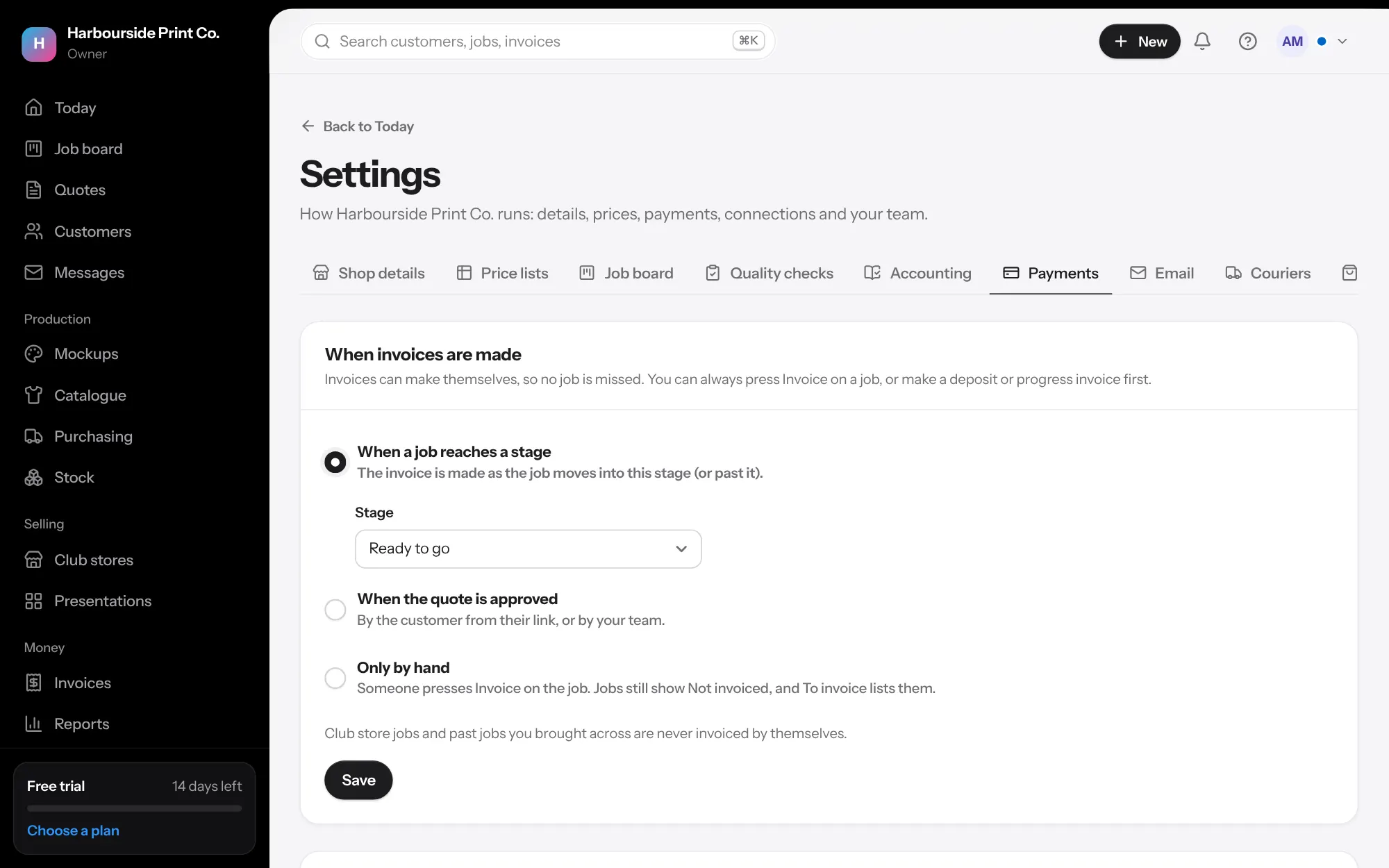
- Connect Stripe Settings, Payments, then Set up with Stripe. Stripe asks for your business and bank details. The money goes straight to your own Stripe account, and we add no fee on top of Stripe's.
- Pay by card and deposits Tick Show Pay by card on invoices, and choose a deposit for when a quote is approved online: none, 25%, 30%, 50% or the full amount. For regulars you trust, tick No deposit needed on the customer.
- When invoices are made On the same page, choose when invoices make themselves: when a job reaches a stage, when the quote is approved, or only by hand.
- Pay later, if you want it Card, Apple Pay and Google Pay work straight away. For Afterpay or Klarna, follow the link to your Stripe payment methods and turn them on.