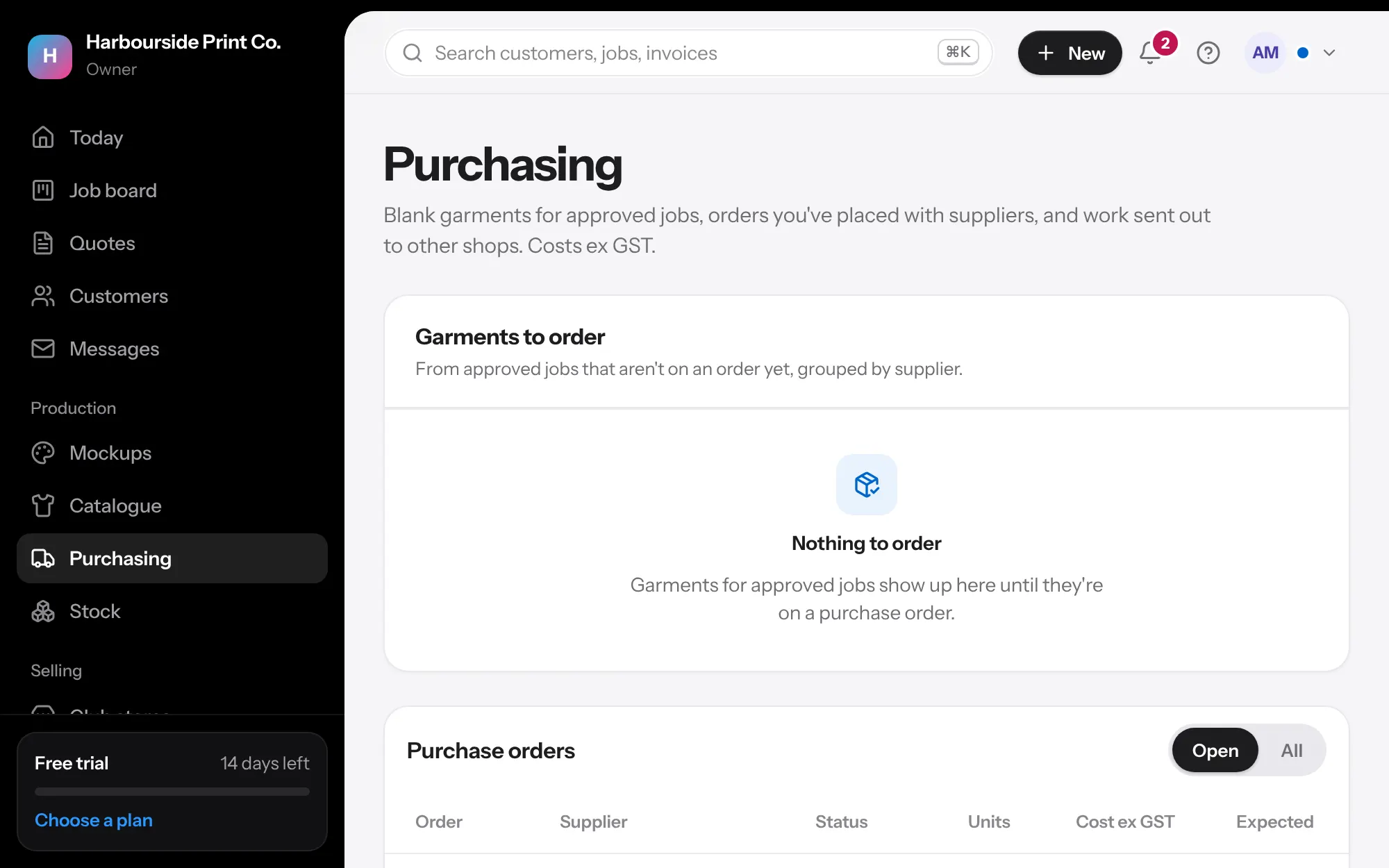
Order the blanks without missing any
Approved jobs turn into purchase orders grouped by supplier. Use what's on your shelf first, count part deliveries, and keep supplier price lists current.
Nothing missed, nothing ordered twice
Garments to order are added up by supplier, style, colour and size from every approved job. Jobs still waiting on their deposit are left unticked, while regulars marked No deposit needed start ticked. Make the purchase orders, send the PDF and mark them ordered.
Suppliers answer from a link
Every purchase and work order email carries a link for the supplier. No sign-in: they accept the order, say when it's sent with the tracking number, or give a date for anything on back-order, and message you. It lands on the order, on Today and in your activity log, and the job's card says when its blanks are coming.
- Back-ordered lines show on the job: Blanks back-ordered till 4 Nov
- Late deliveries flagged on Today
- Set an expected date yourself for any line
- Suppliers see their own costs on the order, never your selling prices or your customers' names
Work sent out
Send decoration you don't do yourself to another shop from the job. Tick the decorations and the files that go. Their work order, PDF, email and link carry your instructions, the method, place, size and stitch count, the sizes and quantities, the approved proof and the production files to download. The job's ready check waits until it's back, and the cost comes off the job's profit.
Unpacking sheet
Print a sheet for whoever opens the boxes: each job's garments with the sizes ordered, a box to write what arrived, and the job's QR code. No prices on it, so it can go anywhere on the floor.
Stock on the shelf
Keep track of blanks you hold. Jobs can take from the shelf before you order more, extras from deliveries go into stock, and you're warned when a size runs low.
- Part deliveries counted, the rest stays on order
- Stocktakes recorded, every change kept
- Low-stock warnings on Today
Supplier price lists that stay current
Load a supplier's price list from a spreadsheet, or save the link to the list they publish and it loads again each day, so costs and colours are never out of date.
Questions
Which suppliers work?
Any supplier that gives you a price list as a spreadsheet (CSV). Style codes, colours and costs by size are picked up from the columns.
Your next job, start to finish.
We're opening to shops a few at a time. Tell us about yours and we'll be in touch to get you set up.