Customers say yes from their phone
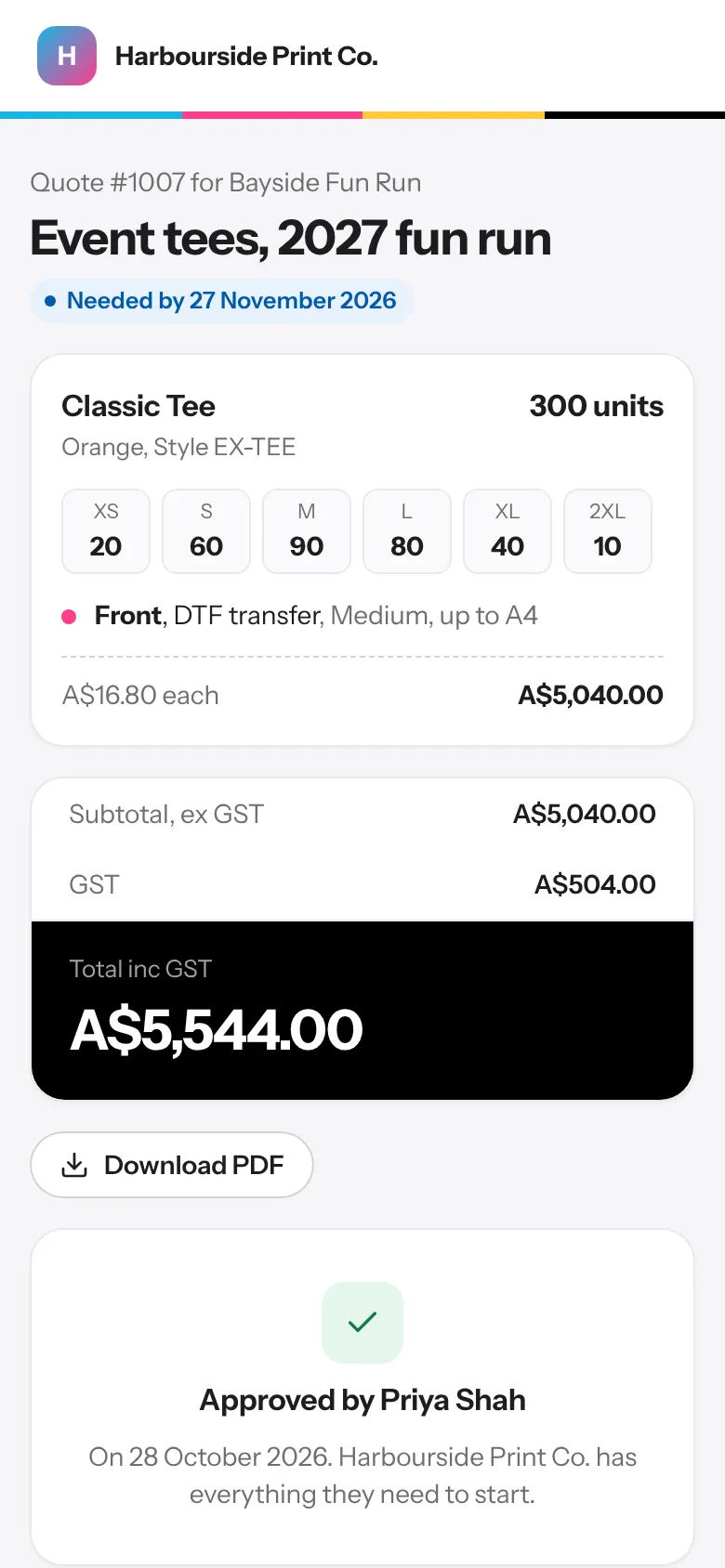
A link that opens on any phone. Customers approve quotes and proofs with their name, pin exactly what to change, and you see it the moment they decide.
No logins, no app
Your customer gets one link for their quote, proof and invoice. They approve with their name and a tick, and the job moves on by itself.
Proofs that get it right first time
Customers tap the proof to put a pin where something should change. They can approve with small changes, or ask for a new proof.
- Pins with a note at each spot
- Approve, approve with small changes, or ask for changes
- Choose who approves from the customer's contacts, each with their own link and email
- Any one of them or all of them, and reminders only to those still to approve
- The whole proof fitted to the phone screen, with full screen and pinch to zoom
- Your own proof terms, agreed to with every approval
- Compare the new version with the last one, side by side
- PDFs shown page by page, and DST stitch files and SVGs shown as a picture
Checked before the customer sees it
Designers upload the proof and mark it ready for checking. The sales rep on the job checks it, then sends it to the customer or back to the designer with a note. Give a trusted designer Can send proofs to customers to skip the check.
A record you can rely on
Who approved, when, and what they said is kept on the job and in your activity log, so there's no arguing about what was signed off.
Questions
What if the customer doesn't answer?
Switch on a ready-made automation to follow up quotes and proofs that get no reply after the number of days you choose.
Can two people at a school both approve?
Yes. When you send the proof, tick the people from the customer's contacts and choose any one of them or all of them. Each gets their own link by email, and the job shows who has approved and who's still to.
Your next job, start to finish.
We're opening to shops a few at a time. Tell us about yours and we'll be in touch to get you set up.